cs-tui
A live terminal dashboard for monitoring and managing tunnels, codespaces, diagnostics, and logs — built on Textual. It reads the same state and drives the same service layer as the CLI, so anything you do in the TUI is reflected by cs-proxy and vice versa.
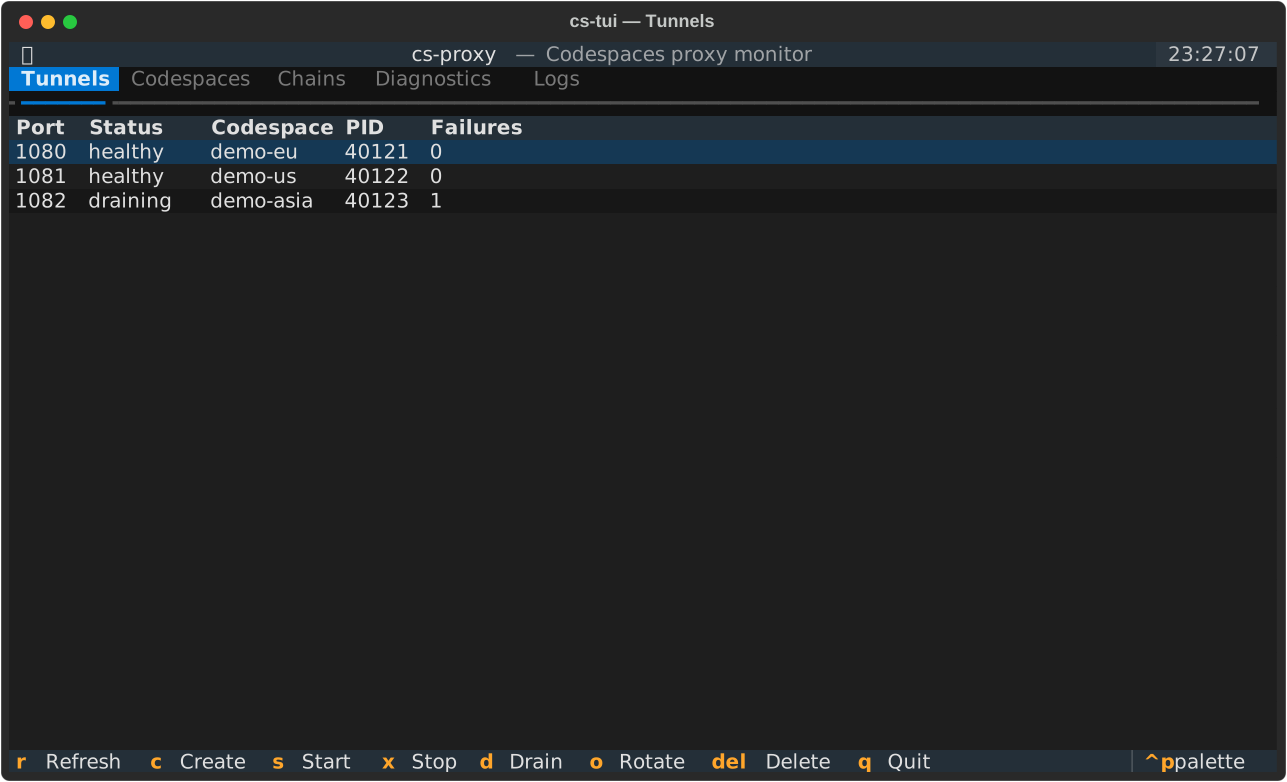
The TUI ships as an optional extra (it pulls in Textual):
pip install 'fluffy-barnacle[tui]'   # one-time: install the optional TUI extra
cs-tui                               # launch the dashboard (or: cs-proxy tui)
The dashboard auto-refreshes on a timer. All blocking work (the gh/ssh/curl subprocess calls behind the data) runs in a background worker, so the UI never freezes while a call is in flight, and destructive actions are gated behind a confirmation modal.
Tabs
| Tab | Shows |
|---|---|
| Tunnels | The local SSH tunnel pool — port, health status, backing codespace, PID, failure count |
| Codespaces | Your GitHub Codespaces — name, state, repository, creation date |
| Chains | Defined and running two-hop chains; each hop shows its region and, when bound to a named account, the account that PAT belongs to (e.g. WestEurope · work) |
| Diagnostics | The same dependency/config health checks as cs-proxy check |
| Logs | A tail of proxy.log |
Key bindings
Actions operate on the selected row of the active tab. Destructive actions ask for confirmation first.
| Key | Action |
|---|---|
r |
Refresh now |
c |
Create a codespace (Codespaces tab; prompts for owner/repo) |
s |
Start the selected codespace / chain |
x |
Stop the selected tunnel / codespace / chain (confirm) |
d |
Drain the selected tunnel |
o |
Show a healthy tunnel port (rotate) |
Del |
Delete the selected codespace / chain definition (confirm) |
q |
Quit |
If a key doesn't apply to the active tab (e.g. d Drain on the Codespaces tab), the TUI shows a brief warning instead of acting.
Creating a codespace
On the Codespaces tab, press c to open an input modal. It is prefilled with github/codespaces-blank — a public template that always supports Codespaces — so the field is never empty. Override the default by setting the codespace_repo key in your config.
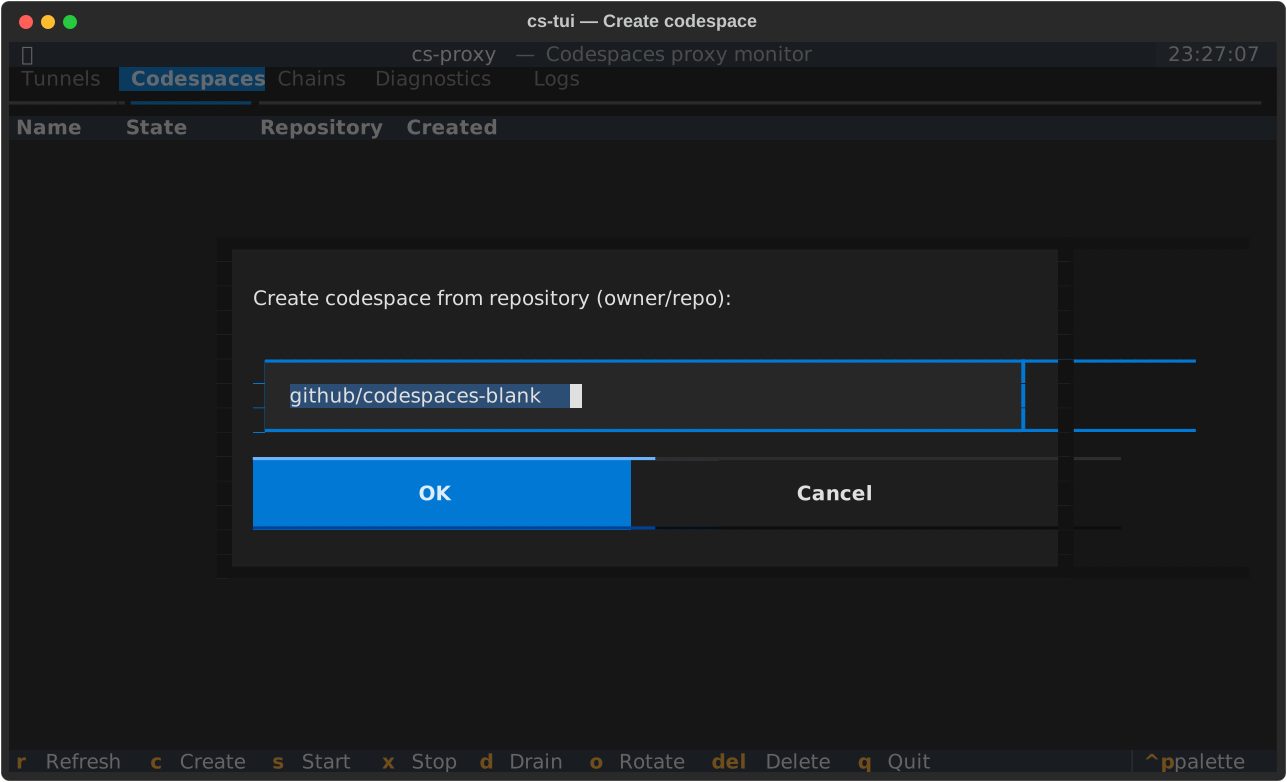
Type any owner/repo and press Enter (or click OK) to provision. Creation runs in the background and can take a minute; the new codespace appears on the tab once it is Available. Press Esc (or Cancel) to abort without creating.
Codespaces are created with an explicit machine type (basicLinux32gb, the smallest standard Linux machine). A concrete machine is required because, without one, gh codespace create prompts interactively and fails in the non-interactive worker thread the TUI uses.
Stop vs. delete
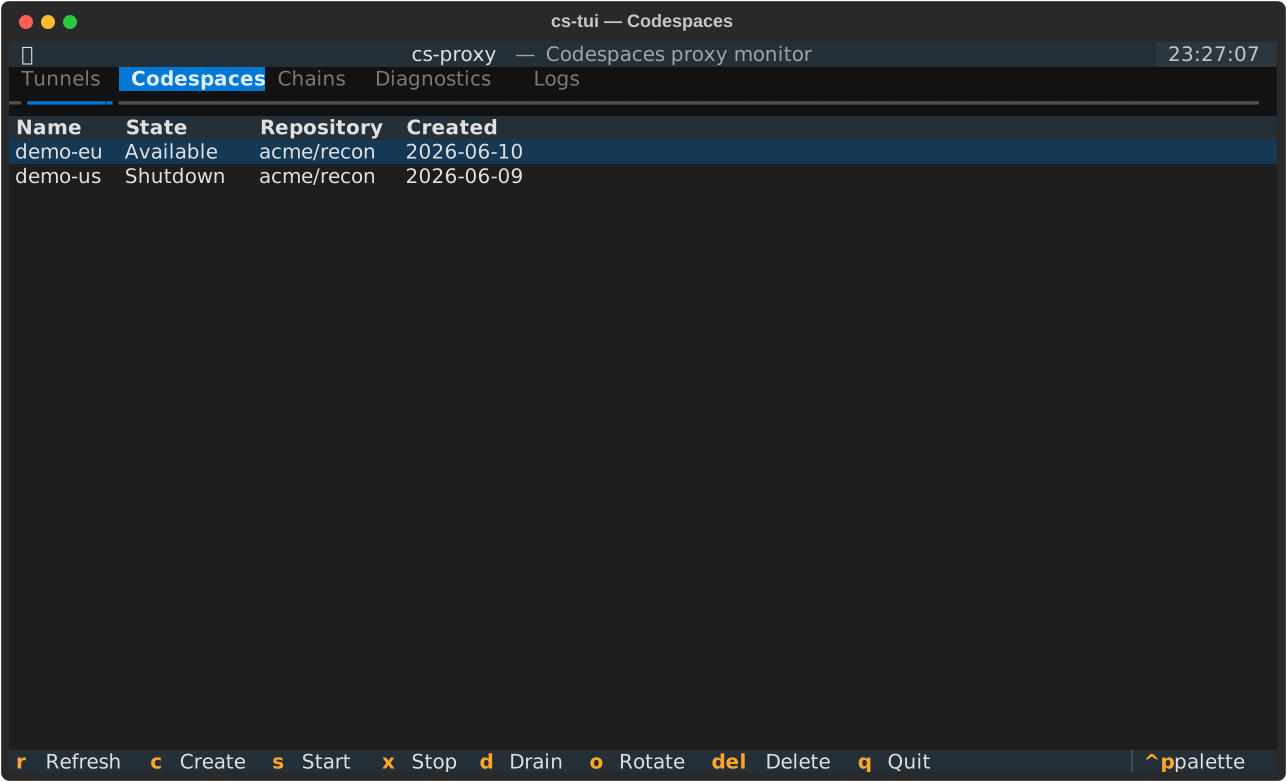
The Codespaces tab distinguishes the two cleanly:
xStop suspends the codespace (gh codespace stop). It keeps existing and can be restarted withs; only compute stops.DelDelete destroys it permanently (gh codespace delete --force).
Stopping a tunnel (x on the Tunnels tab) only tears down the local SSH process — it never touches the backing codespace.
Draining
d marks the selected tunnel as draining (cs-proxy pool drain <port>). The tunnel keeps serving existing connections, but o Rotate only ever returns healthy tunnels, so a draining tunnel is excluded from being handed out for new work. Stop it with x once it is idle. See cs-proxy → pool for the equivalent CLI commands.
See also
- cs-proxy — the CLI that backs every TUI action (
pool,chain,start/stop, diagnostics).